Top Email Finding Tools:
1. Findthat.email
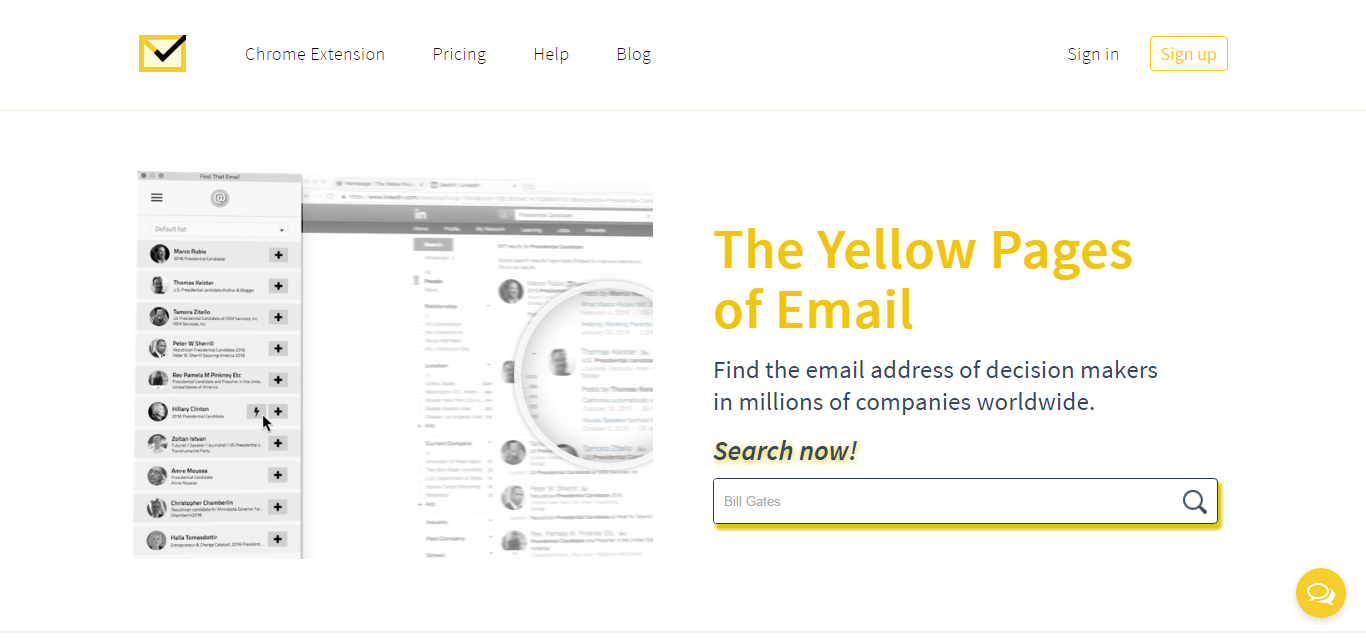
Using findthat.email, one can easily find anyone’s professional/work email. It’s one of the best email finder for 2018. Just type in the name and domain and you will get their email address alongwith the sources where they extracted the email address.
- Pricing Plans:
- Free plan: 50 Search Credits and 100 Verify Credits
- Paid plans range from $29 – $999 with maximum 100,000 Search Credits and 500,000 Verify Credits.
- Integrations: Salesforce, MailChimp, Zoho CRM, PipeDrive and much more.
- Available as: Chrome Extension, Web App
- Usage: For individual as well as Bulk Email Finding
2. Clearbit
Clearbit integrates with your Gmail account very easily and lets you find email addresses of any company you want to get in touch with. Just type in the company’s name with employee’s first name or job title.

- Pricing Plans:
- Free plan: 50 Search Credits.
- Paid plans range from $199 – $999 and are categorized as Enrichment, Reveal, Risk, and Prospect.
- Integrations: Salesforce, Marketo, Slack, Segment, Zapier, and Connect.
- Available as: Chrome Extension, Web App
- Usage: For individual as well as Bulk Email Finding
3. Email Hunter
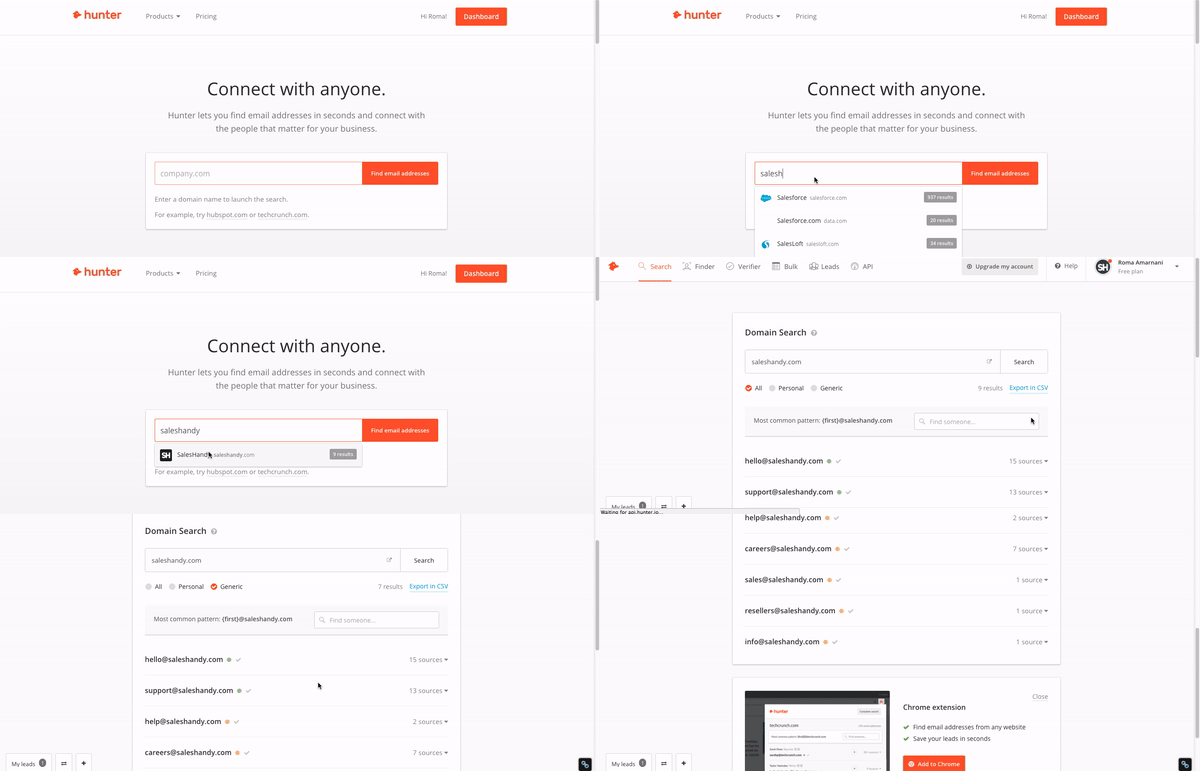
Hunter email finder is by far our favorite email address finder. Just type in company domain and select what kind of emails you want and just like that you will get all of their public email addresses on your screen.
- Pricing Plans:
- Free plan: 100 Search Credits.
- Paid plans range from $49 – $399 with a maximum of 50,000 Search credits.
- Integrations: Salesforce, Pipedrive, Zapier, and HubSpot.
- Available as: Chrome Extension, Web App
- Usage: For individual as well as Bulk Email Finding
4. Snov.io
We stumbled upon this when trying to find an alternative to Email Hunter. This tool is very efficient for find someone’s email address. It finds and verifies and it bifurcates emails into 3 categories: Valid, Invalid and Catchall. Catchall emails are the guessed ones.

- Pricing Plans:
- Free plan: 100 Search Credits.
- Paid plans range from $19 – $139 with a maximum of 50,000 Search credits.
- Integrations: No integration. Can be used with Twitter, LinkedIn and much more.
- Available as: Chrome Extension, Web App
- Usage: For individual as well as Bulk Email Finding
5. Voila Norbert
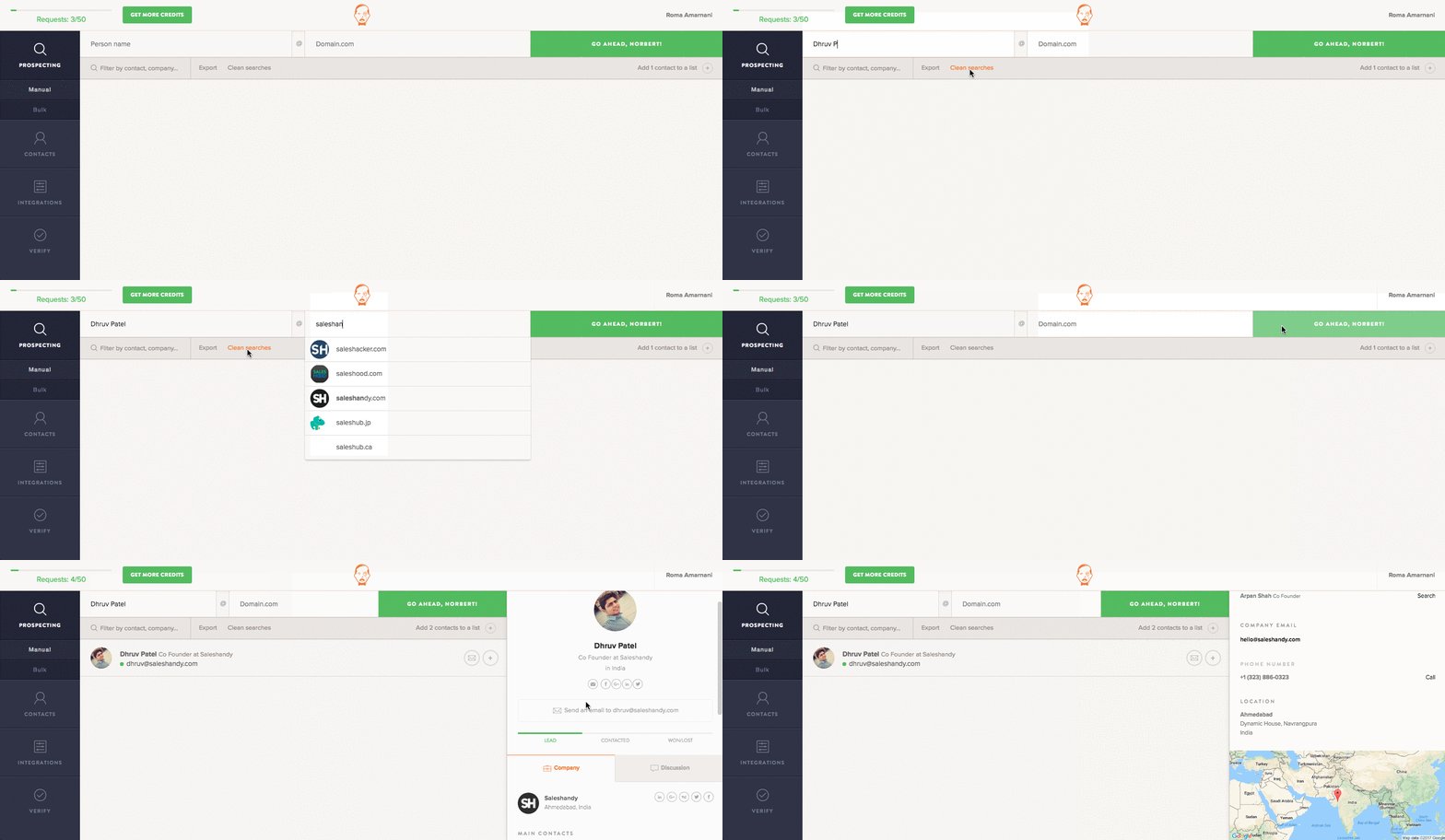
With Viola Norbert, a person can find any corporate email address using First name, last name and domain. Norbert sends a signal to the mail host to verify the email addresses. So, won’t have to worry about the email being wrong and the best part it will find email address free of charge.
- Pricing Plans:
- Free plan: 50 Search Credits.
- Paid plans range from $49 – $449 with a maximum of 50,000 Search credits.
- Integrations: Zapier. Coming soon: Salesforce, Pipedrive, Close.io, Drip, and ReplyApp.io
- Available as: Chrome Extension, Web App
- Usage: For individual as well as Bulk Email Finding. Best for Individual.
Pro Tip: Use the combination of Hunter, Voila, Snov, and FindThat to find and verify anyone’s email address.
6. FindThatLead
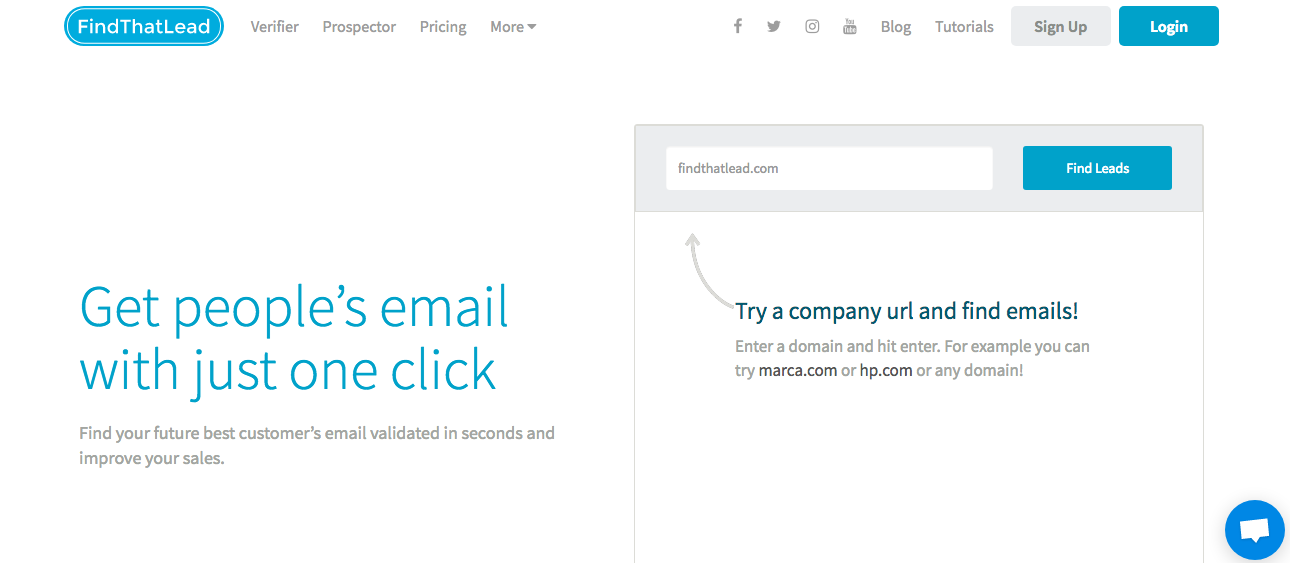
FindThatLead is more of a lead manager than an email finding tool. You can easily manage email addresses list. And you just feed the company’s url and bam! You will have all the emails that are related to that URL. It can also be used for Domain Search, Lead Search and Prospector.
- Pricing Plans:
- Free plan: 300 Search Credits.
- Paid plans range from $29 – $399 with a maximum of 30,000 Search credits.
- Integrations: No integration.
- Available as: Chrome Extension, Web App
- Usage: For individual as well as Bulk Email Finding.
7. AeroLeads
AeroLeads is among a few prospecting software which works with multiple websites like LinkedIn, CrunchBase, AngelList, etc. to find business emails. It is a user-friendly software that works in real-time and is said to have an accuracy level of more than 95%.

- Pricing Plans:
- Free plan: 10 Search Credits.
- Paid plans range from $49 – $499 with a maximum of up to 5000 records. They also have a custom plan wherein you can customize as per your requirement.
- Integrations: Salesforce, MailChimp, Zoho CRM, PipeDrive and much more.
- Available as: Chrome Extension, Web App.
- Usage: For an individual as well as Bulk Email Finding.
8. Headreach
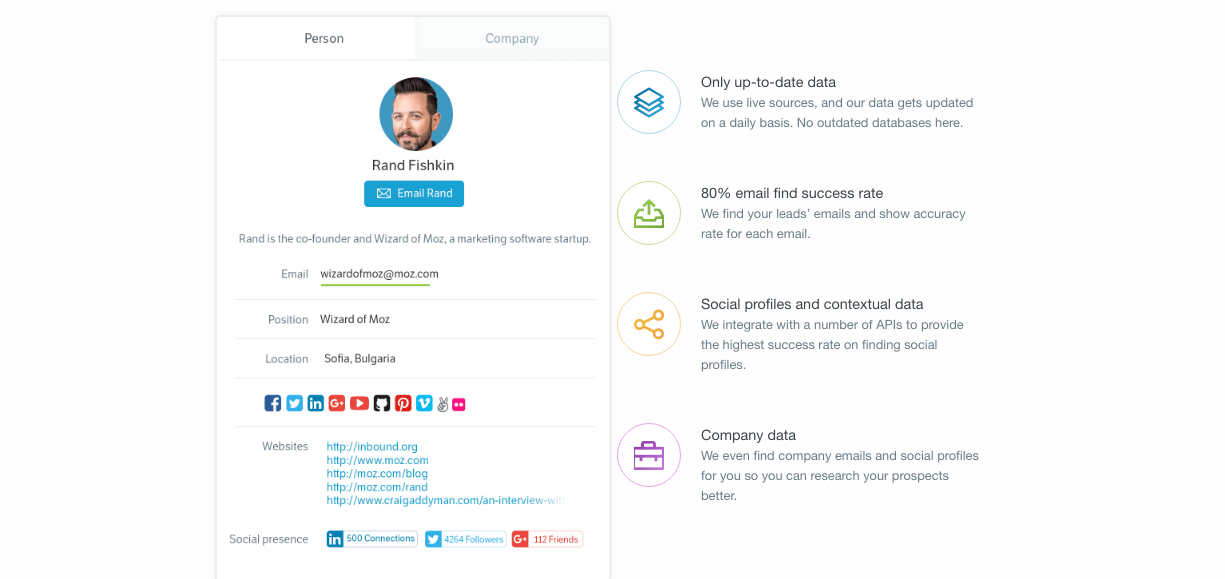
Headreach lets you search an email address by Prospect’s Name, Company’s Name, Domain Name, Job Position, Industry, Keywords, Location and many more. This tool helps you build your prospect list quicker and efficiently. This is Sales Prospecting simplified. It is one of the best answer to “how to find someone email address for free by name?”
- Pricing Plans:
- Free plan: 10 Search Credits.
- Paid plans range from $19 – $79 with a maximum of 500 Search credits.
- Integrations: Prospect’s list can be downloaded as CSV to integrate with any CRM.
- Available as: Web App
- Usage: For targeted prospecting and Individual email addresses.
9. Lusha
Get personal phone numbers and email addresses as fast as you blink your eyes. With Lusha, you can get your hands on any person’s number and email address in no time. It is the best tool if you want to find an individual email address.

- Pricing Plans:
- Free plan: 5 Search Credits.
- Paid plans range from $25 – $119 with a maximum of 500 Search credits. They also have a custom plan wherein you can customize as per your requirement.
- Integrations: Salesforce
- Available as: Chrome Extension, Web App
- Usage: For individual Email Addresses.
10. Anymail Finder
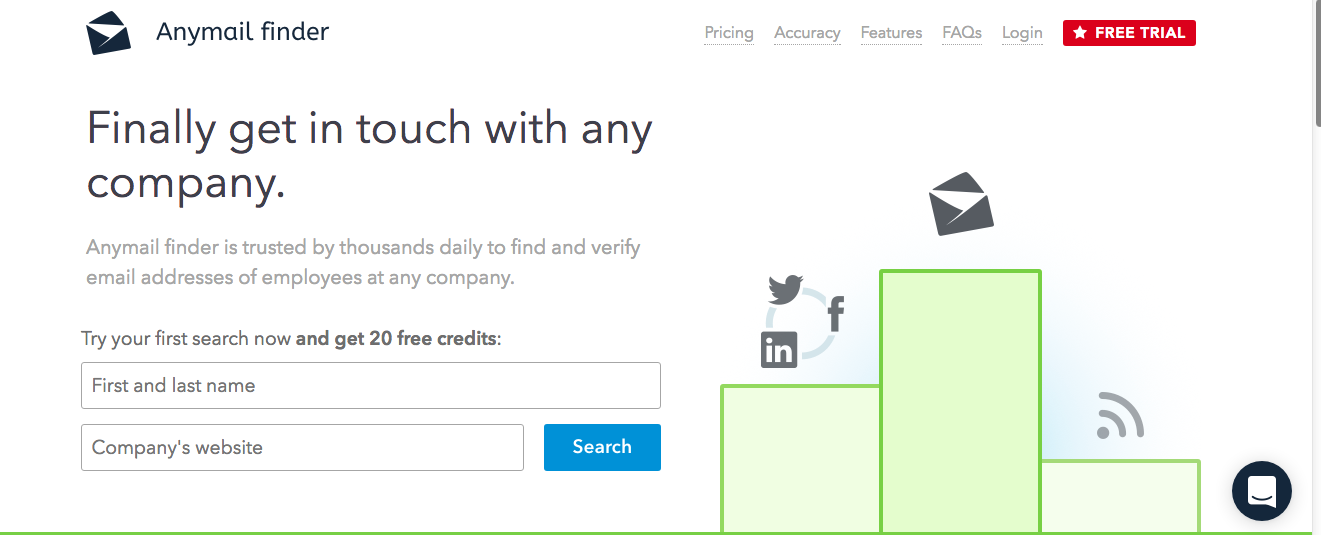
Anymail Finder lets you find email addresses using person’s name and their domain. Anymail Finder searches millions of web pages and performs direct server validation before delivering the email to you. This tool provides 97% accuracy with email addresses.
- Pricing Plans:
- Free plan: 20 Search Credits.
- Paid plans range from $18 – $149 with a maximum of 10,000 Search credits.
- Integrations: No integration
- Available as: Chrome Extension, Web App
- Usage: For individual Email Addresses.
11. Hiretual
This tool works best with social media sites like LinkedIn, Twitter and Facebook. It extracts email addresses and personal phone numbers as well. It is mainly used by recruiters as their tagline suggests: “Sourcer/Recruiter’s best friend.”

- Pricing Plans:
- Free plan: 5 Search Credits and 30 Profile Analysis.
- Paid plan is of $89 with a maximum of 200 Search Credits and 600 Profile Analysis. They also have a custom plan wherein you can customize as per your requirement.
- Integrations: Any CRM integration in the custom plan.
- Available as: Chrome Extension, Web App
- Usage: This can be used as an individual email finder as well as Bulk Email Finder. Best for Individual.
12. Datanyze Insider
Datanyze Insider is used to research accounts in the most efficient way. Also, build highly targeted prospect lists and export contacts where they need to go in a fraction of the time.

- Pricing Plans:
- Free plan: 100 Domain Lookups
- Paid plans for Browser extension ranges from $10 – $50. They also have Data Enrichment and Prospecting plans ranging from $250 – $1000.
- Integrations: Salesforce, Hubspot, Marketo, Google Spreadsheets.
- Available as: Chrome Extension, Web App
- Usage: For an individual as well as Bulk Email Finding. Best for Individual.
13. ContactOut
Another tool, mostly used by recruiters all around the world to find candidates email addresses. ContactOut LinkedIn extension is very easy to use and they provide 97% accurate email addresses.

- Pricing Plans:
- Free plan: 100 search credits
- Paid plans starting from $19/PM. They are currently under maintenance and not accepting any registrations.
- Integrations: Works well with LinkedIn
- Available as: Chrome Extension, Web App
- Usage: This can be used as an individual email finder as well as Bulk Email Finder.
14. Conspire
Conspire analyze your email data and tells you how to get the best introduction to whomever you want to meet. They score each relationship to recognize the difference between a close colleague and someone you met at a conference for five minutes.
The relationship graph that they provide is based on factors like frequency, speed and the amount of time that they’ve conversed with each other.

- Pricing Plans:
- Free
- Integrations: Works best with Gmail, LinkedIn, and AngelList.
- Available as: Chrome Extension, Web App
- Usage: To find mutual connections.
15. Discoverly
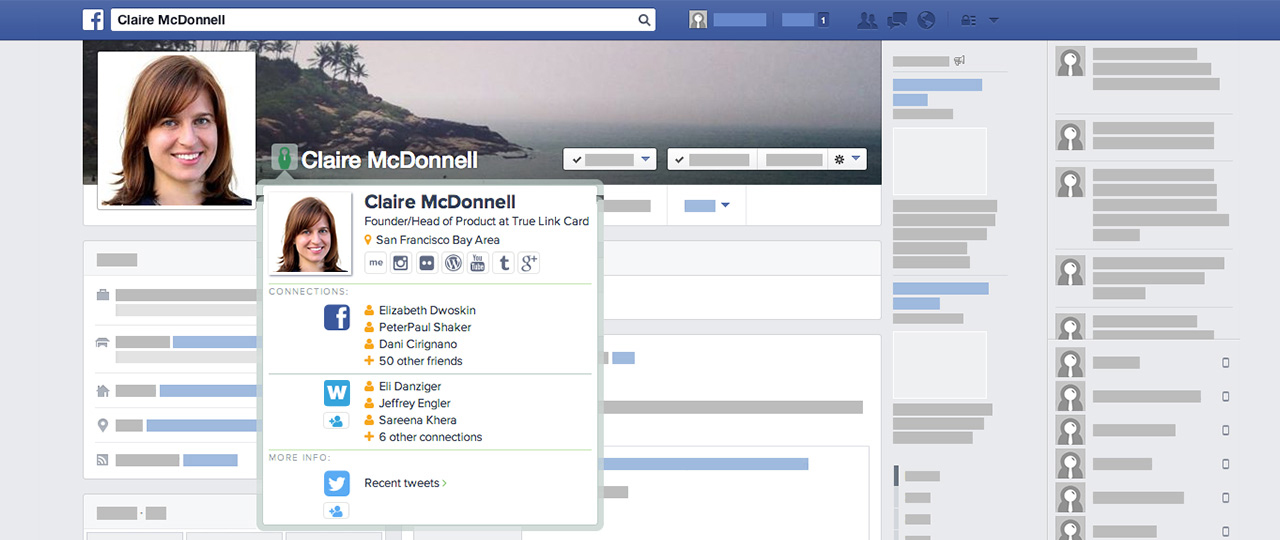
Another tool for recruiters. This tool help recruiters with context which helps them a lot when they reach out to any candidate. This tool accumulates candidate’s social information from platforms like Gmail, LinkedIn, Twitter and Facebook and provides you with this information as a sidebar in your email inbox. This is one of the best free email finder.
- Pricing Plans:
- Free
- Integrations: Works best with Gmail, LinkedIn, Twitter, and Facebook.
- Available as: Chrome Extension, Web App
- Usage: To find context and social information.
16. Toofr
Toofr helps people find business email addresses using the first and last names, and the company name or website. It uses millions of corporate email patterns and mail server results to give you industry-leading sending rates. It permutes your email addresses which are ranked by confidence levels ranging from High, Medium and Low.

- Pricing Plans:
- Free plan: 30 Search Credits.
- Paid plans range from $19 – $249 with a maximum of 40,000 Search credits.
- Integrations: No integration.
- Available as: Chrome Extension, Web App
- Usage: For individual as well as Bulk Email Finding.
Bonus Tool:
Now that you how to find an email address and where to find an email address and what it actually costs, what will be your next step? I presume you will want to send emails to your possible prospects and SalesHandy will make it easier for you. Send three mail merge and email marketing campaigns for FREE with SalesHandy.

- Pricing Plans:
- Free Plan: Unlimited Email tracking and scheduling. 600 emails in 14 days trial period.
- Paid plans range from $9 – $40 if paid monthly.
- Integrations: Works best with Gmail, and Outlook. Zapier and webhook integration.
- Available as: Chrome Extension, Web App
- Usage: To get insights of your prospect’s behavior and help close more deals.
Hope you find our list of tested email finding tools useful. We will keep on updating it with time. If you believe that there is a related tool that should be on this list, then please do share its name with us in the comment.


